
Naturally, the first thing we need to do is download and install it. To do this, follow the link — CLICK HERE
Open the
.exefile and skip through everything until MO2 opens. You may need to open it manually if you did not check the box at the end that says “Launch MO2”.
At this point, MO2 will ask whether we want to create a “new instance”. You need to be careful at this stage, but for now just click “Next”.
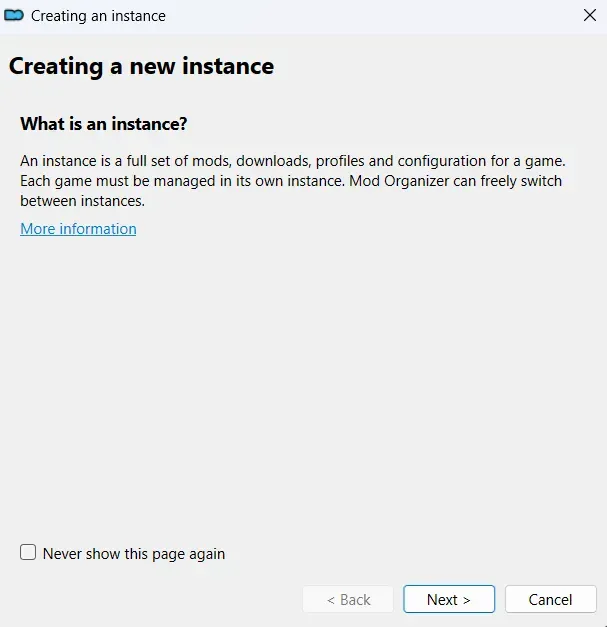
Here, you must choose “Create a portable instance”.

Next, click the “Browse” button and find the folder with your Skyrim installation. Do not select the Data folder.
Usually, it is located here:C:\Program Files (x86)\Steam\steamapps\common\Skyrim Special Edition
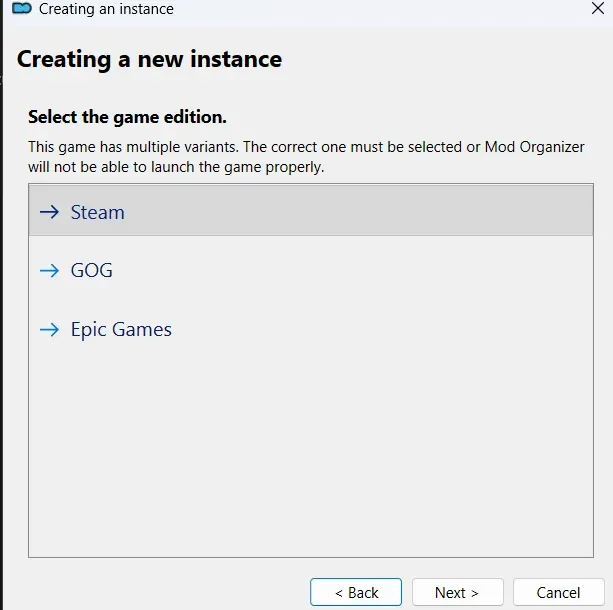
Select the location where you downloaded the game. I strongly recommend using the licensed version of the game to avoid any possible problems with modding.
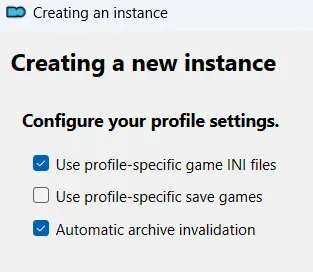
At this stage, I recommend selecting the first and the last checkbox. The second one should only be selected if you want your saves to be stored not in “Documents”, but in the profiles folder inside MO2.
Here, log into your Nexus Mods account and click Finish.
